It has been over 5 months since I've written about Parchment, my in-progress plain text editor intended for general use as well as programming. I've made some progress on it since, and I'd like to share some of what's changed.
Parchment is a Sparse, Spartan Text Editor
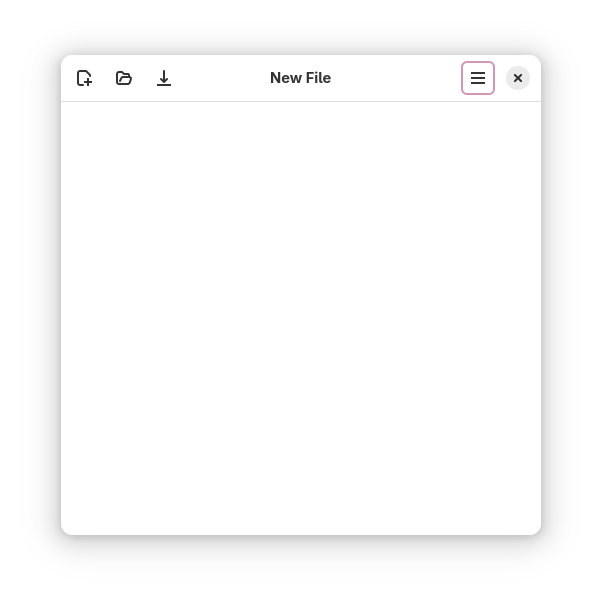
For reference, the following is Parchment's prior layout.
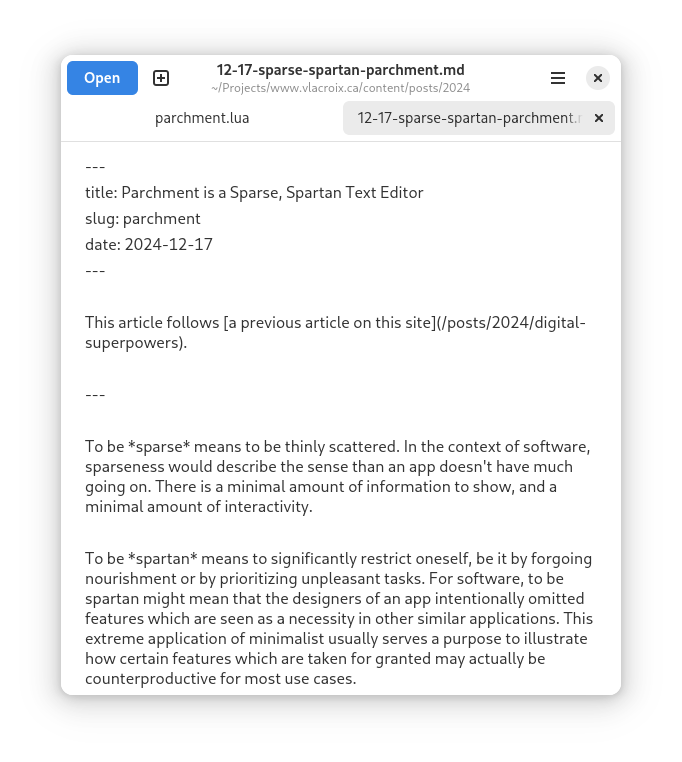
The layout of Parchment's top bar has been updated. All buttons are now simple icons, and the open button is no longer given a bright colour. As the open action is not expected to be invoked very often, it did not make sense to give it a bright colour which draws attention to it. The save button was moved from the center (not visible in the old screenshot) to the left side, and it was removed completely from each file's tab. The order of the left side's buttons is also made consistent with the order that most general users are familiar with: New→Open→Save. The icons used are also different, with the new icons being more fitting for the intended actions.
Compare the previous screenshot with this:
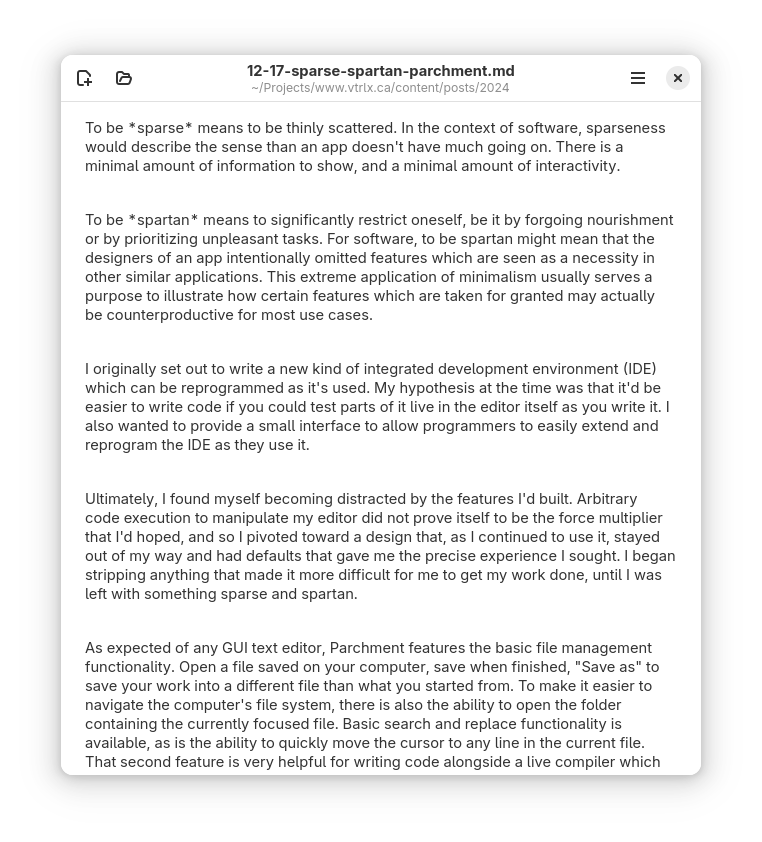
Parchment is designed to be run in GNOME, which recently adopted a new default font called Adwaita. Glyphs in the new font are somewhat larger than the previous default of Cantarell, and the default text size in Parchment has been shrunk back to the default used in all GNOME applications to compensate for this change—or rather, to stop compensating for Cantarell's small size.
For users which do need it however, there is now a new option to zoom in text.
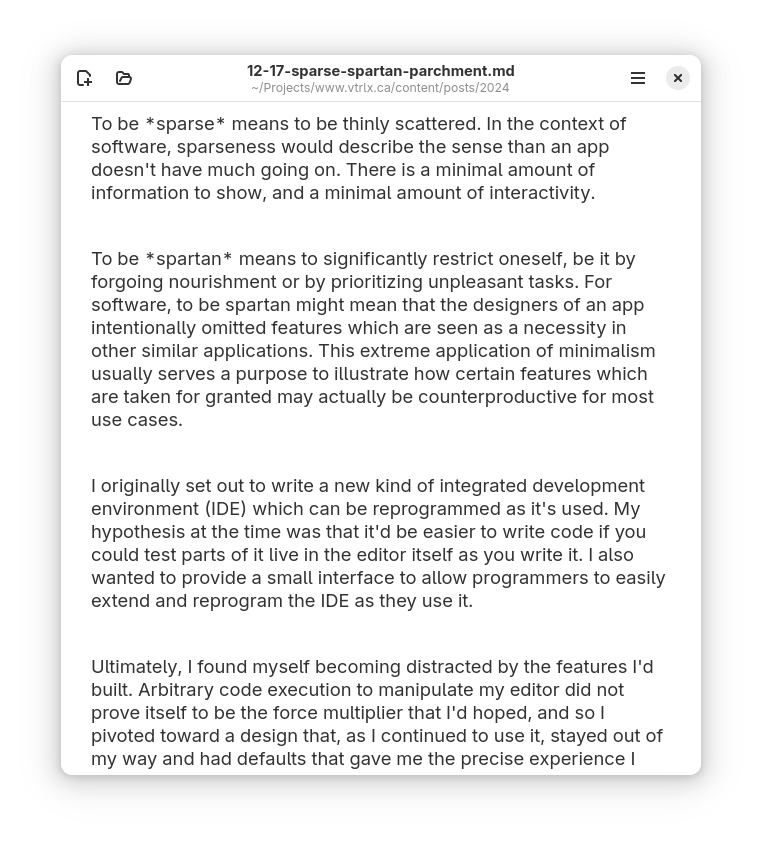
This option does more than increase the text size, however. It also increases the gap between paragraphs, and the maximum width of the text area. Lines should still never get too long, but with this change they will also never be forced to be too short as well—provided you give the app enough space by growing its window.
Sometimes—through no fault of the app—a file can't be saved. Parchment now includes error messages describing why a file could not be saved, offering either to save to another file, to try again, or to stop saving for now.
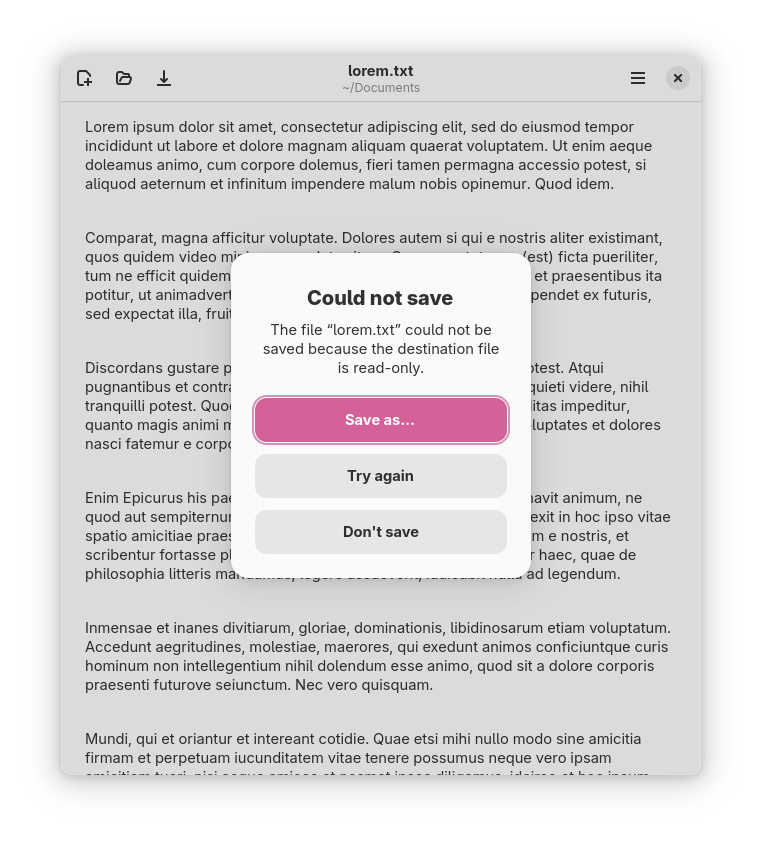
In the above instance, you are given the opportunity to make the file writable before pressing "Try again" to save.
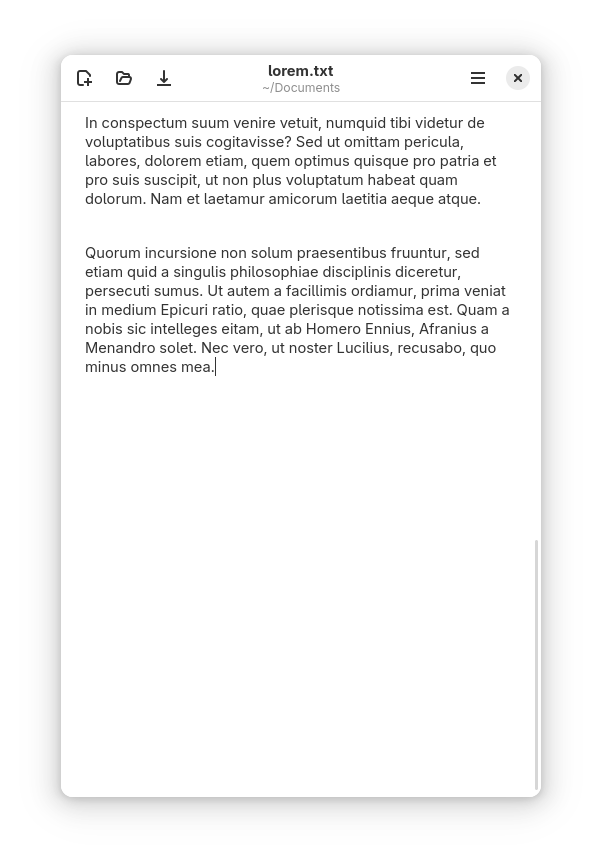
I find it very awkward to type new text right at the bottom of the window with lots of text visible above. Parchment automatically adds plenty of space at the bottom of all files so you can always write from about the middle of the frame.
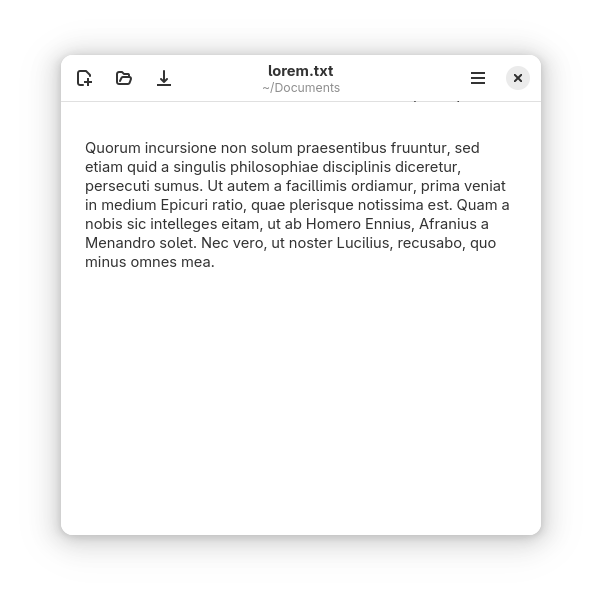
Of course, taller windows get more space as well.
Parchment takes inspiration from a lot of sources, including an old largely-forgotten text editor called Acme.
In Acme, you can highlight a certain passage of text and then execute written-out text editing commands to make automatic changes. It's a powerful feature, but it's also reliant on some very technical knowledge. This kind of knowledge must be frequently refreshed to prevent the user from forgetting specific things. If you don't recall how to pull off a certain edit command, it is often slower to relearn than to just manually make the change on your own. It is with this idea in mind that Parchment intentionally opts to support only the most common use case of Acme's edit commands: find-and-replace within a text selection.
How it works is that when a search is made and highlighted text within the file contains at least one matched term, a new button appears prompting to replace every match within the selection with the current replacement term.
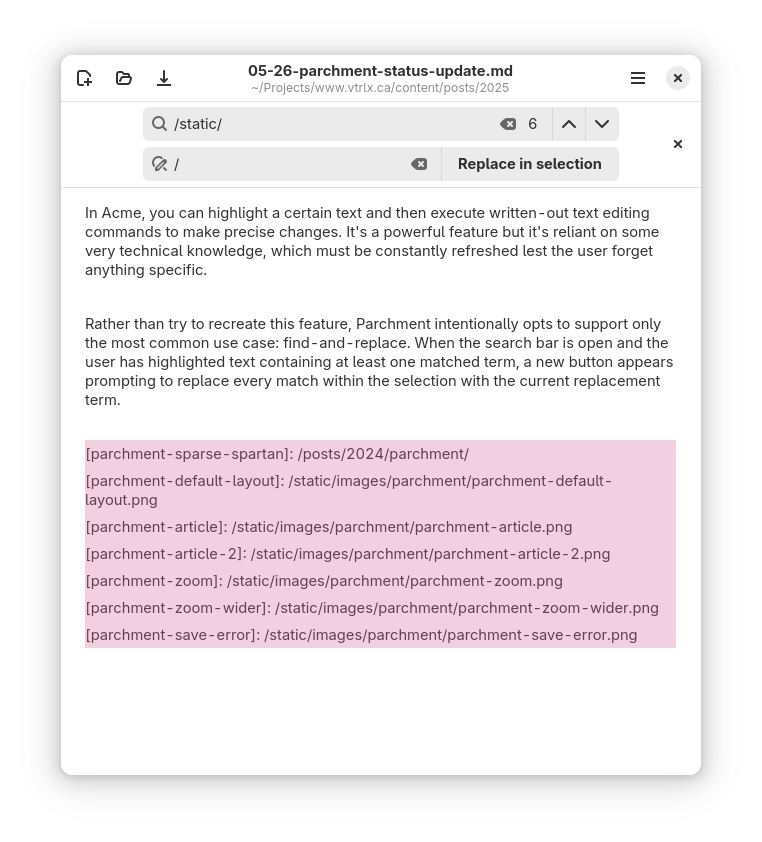
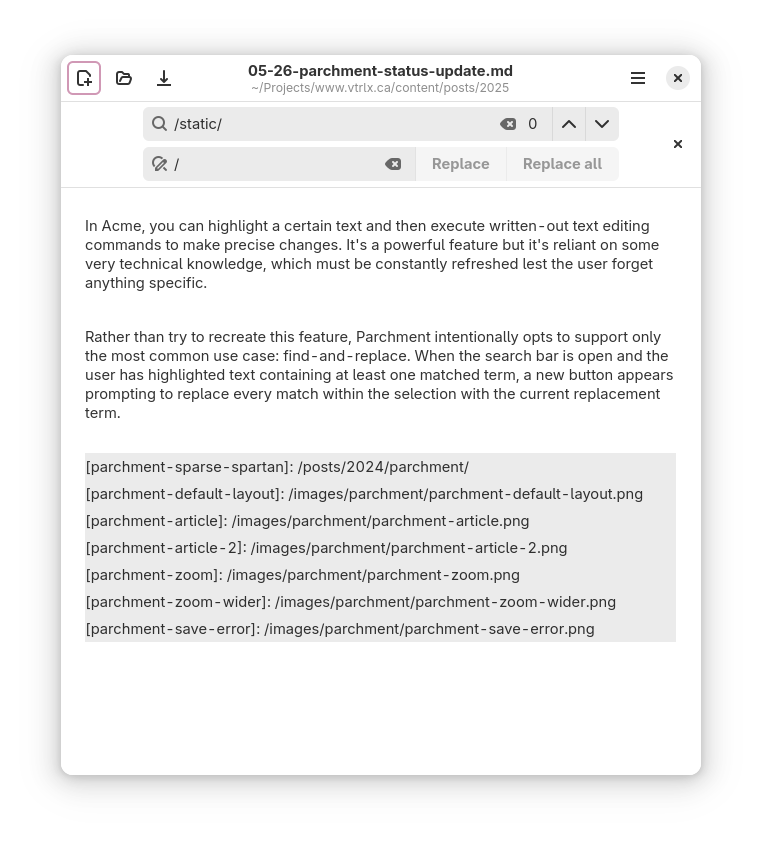
Here I am fixing up a small error in this very article that prevented images from showing properly. You'll notice as well that the "Replace in selection" button disappeared afterward, as the selection no longer had any matching search terms.
A public release for Parchment is still a ways off. This isn't because of a lack of stability or features—I use Parchment daily for writing and programming!—but because my goal is to release the program in a finished state with as few quirks as possible.
Parchment is now available for Linux on Flathub.